

ADVANCED MATERIAL CREATION IN SUBSTANCE DESIGNER
DATES:
19 OCTOBER 2026 - 23 NOVEMBER 2026
DURATION:
5 WEEKS
MONDAYS
10 AM PT / 1 PM ET
APPLY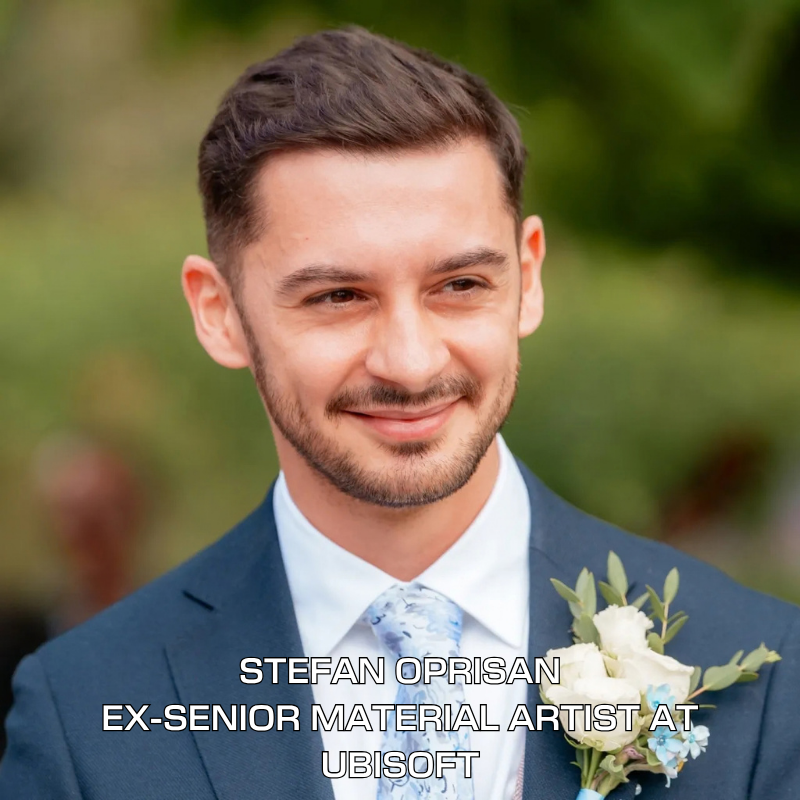
5 WEEK LIVE ONLINE COURSE - 5 WEEK LIVE ONLINE COURSE - 5 WEEK LIVE ONLINE COURSE
LIVE ONLINE COURSE ON CREATING ADVANCED PRODUCTION-READY MATERIALS FOR UNREAL ENGINE
DATES:
19 OCTOBER 2026 - 23 NOVEMBER 2026
DURATION:
5 WEEKS
MONDAYS
10 AM PT / 1 PM ET
SKILL LEVEL:
INTERMEDIATE/ADVANCED
THIS COURSE IS FOR YOU IF...
You already know the basics and want to go further
You're comfortable with core node-based workflows and PBR fundamentals — now you want to build production-level materials the way studios actually do it, not another basics tutorial.
You're an environment or texture artist wanting to specialize
Take your material creation skills to a professional level with advanced procedural techniques, master material setups, and real production pipelines for Unreal Engine 5.
You work in games and want to master advanced Substance Designer techniques
If you already know your way around Substance Designer but want to sharpen advanced techniques — heightmap-driven detail, master materials, in-engine optimization — this course skips the basics and goes straight to production-level work.
You want direct feedback from someone who does this for a living
You've hit a ceiling learning alone online and want an instructor who reviews your actual work, not a generic tutorial
WHAT YOU'LL DO DURING THE BOOTCAMP
Real Production Materials
Direct Feedback From Stefan
Print-Ready Final File
MEET YOUR INSTRUCTOR

STEFAN OPRISAN
EX-SENIOR MATERIAL ARTIST AT UBISOFT
Brings 9+ years of expertise in the gaming industry
Projects he has worked on include: Avatar: Frontiers of Pandora, Forza Horizon 4, Planet Zoo
Stefan's expertise in procedural material creation and environment texturing has made him a sought-after industry professional.
In the Substance Designer Bootcamp, he will share his deep knowledge and hands-on experience to help aspiring artists master procedural workflows and build a standout portfolio for a career in game art.
Instructor Work
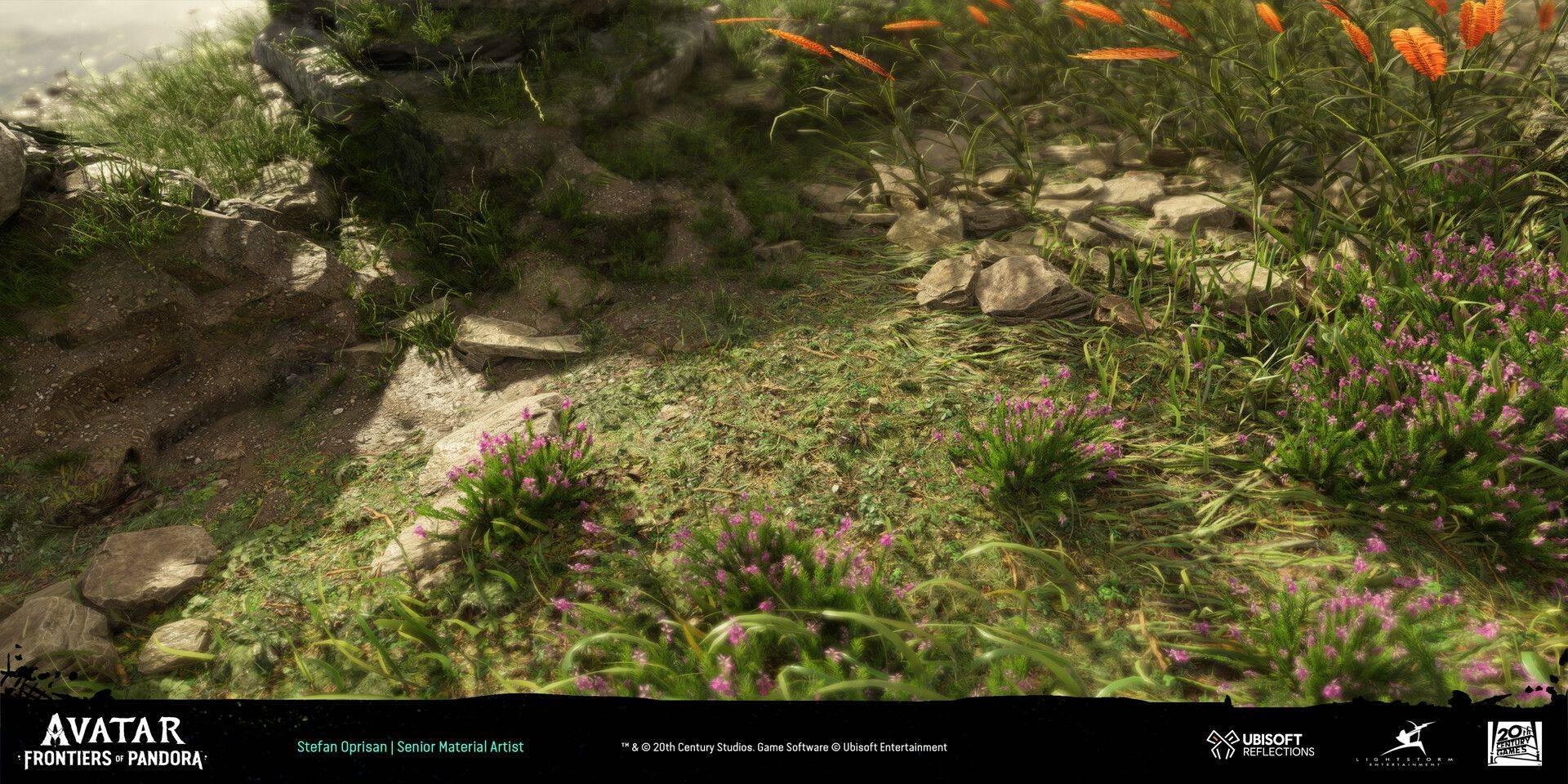
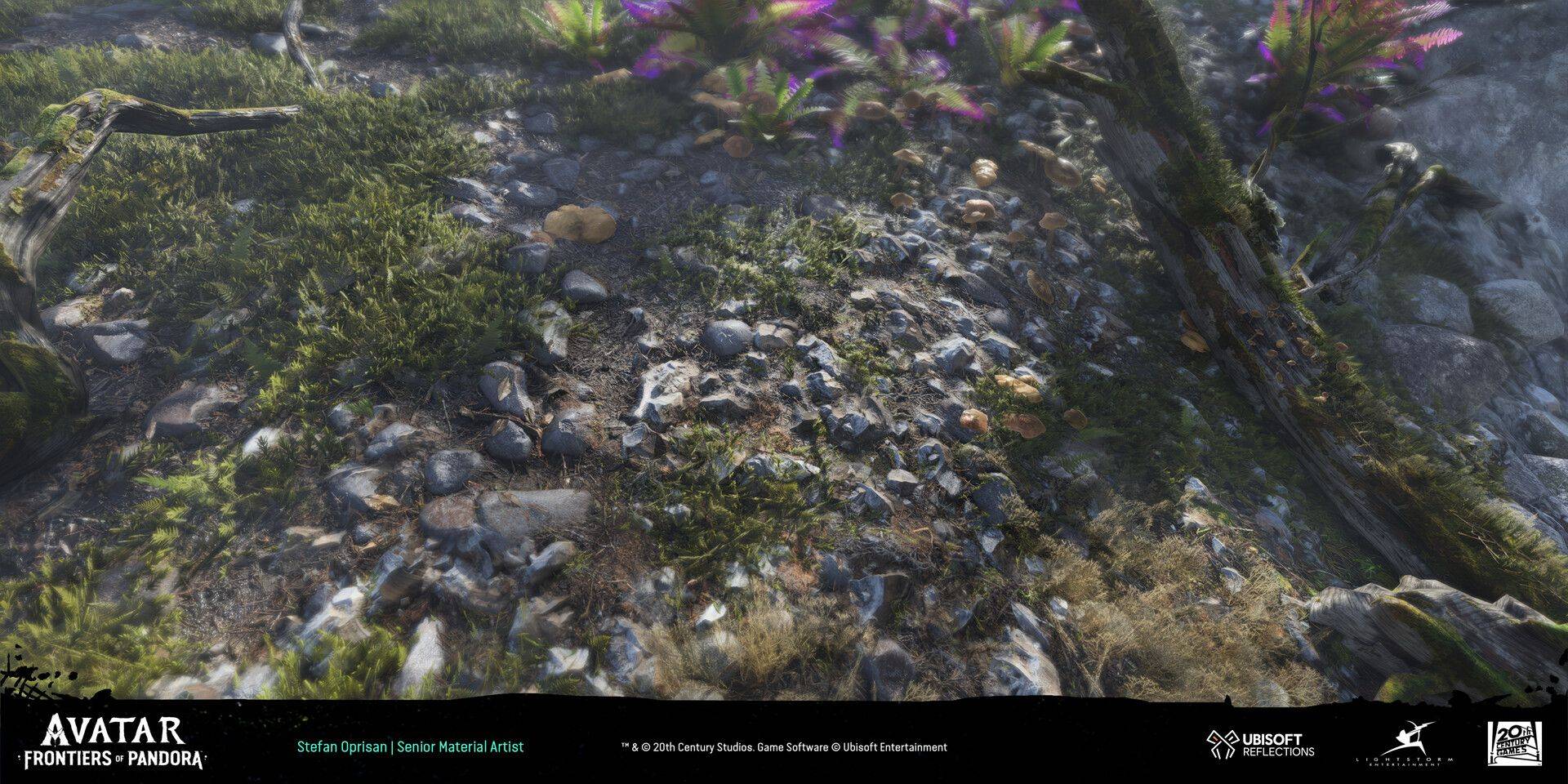
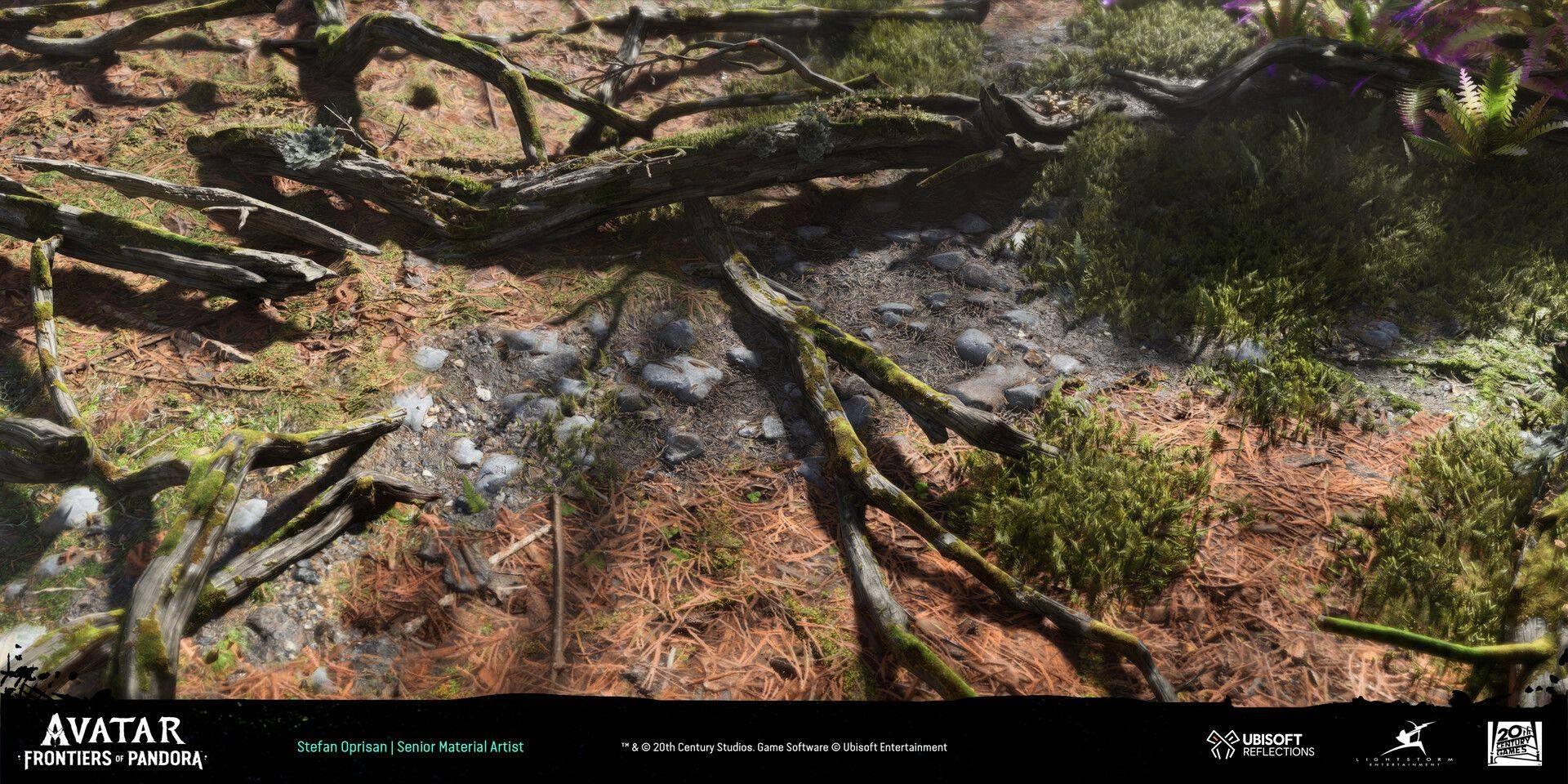
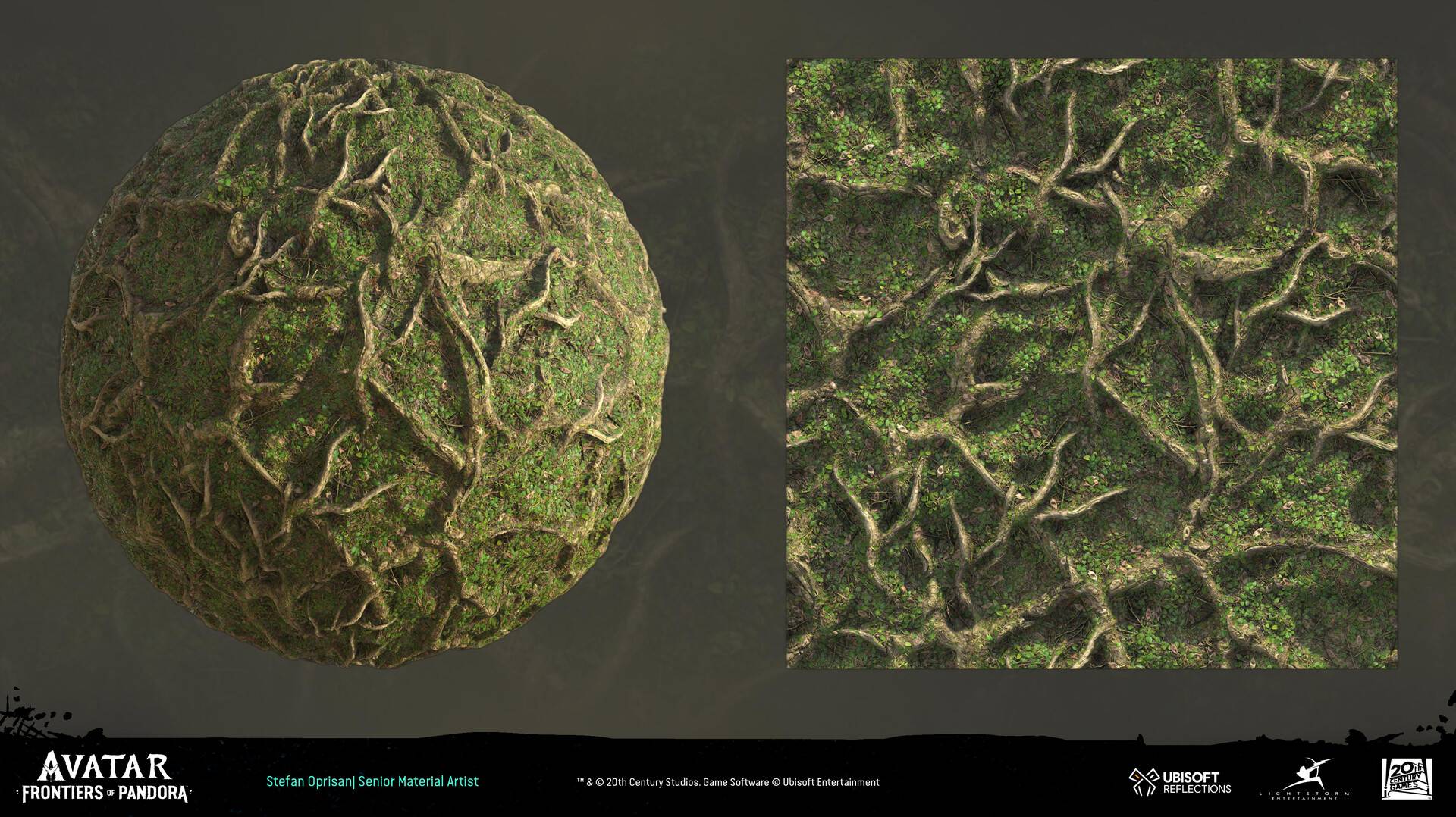
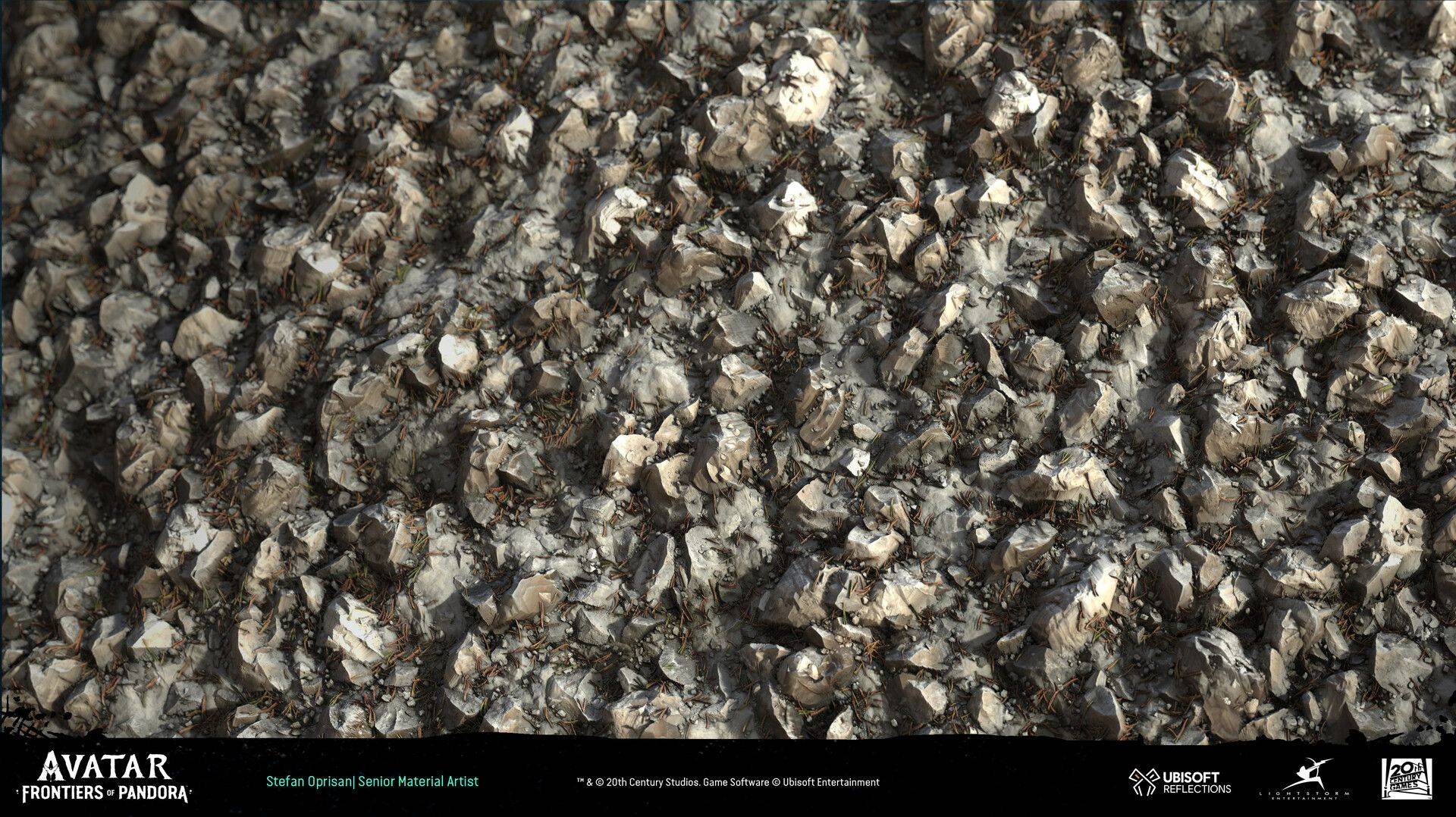
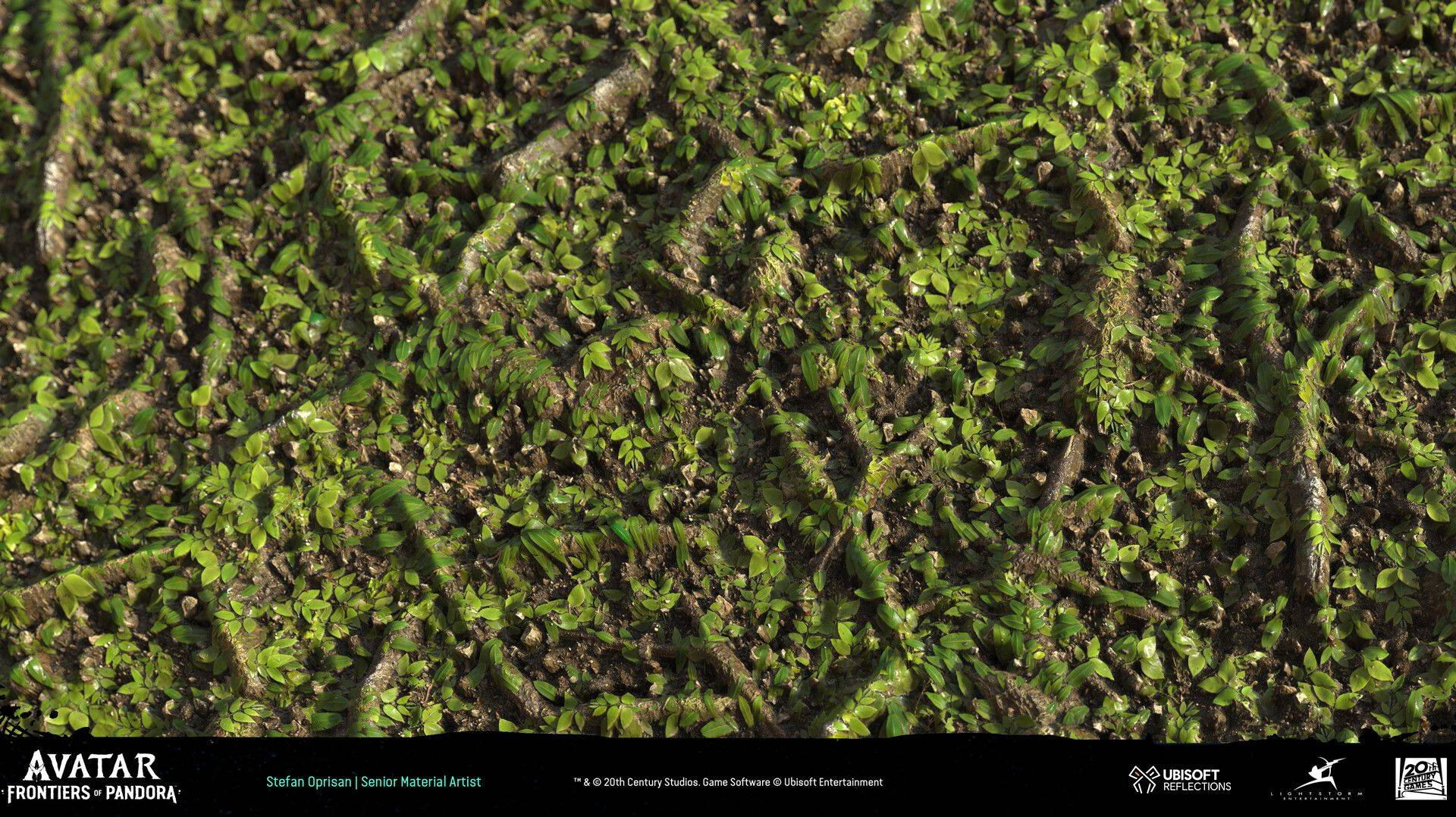
A look at Stefan's own material and surface work — from Avatar: Frontiers of Pandora to Forza Horizon 4 — the same Substance Designer pipeline you'll learn in this course.
Syllabus
01
Week 1
Building Our First Tiling Material
More
Building Our First Tiling Material
Break down a reference board and plan a macro-to-micro material structure, then build a solid heightmap foundation and a non-destructive node graph to drive the whole material.
02
Week 2
Expanding the Material Library
More
Expanding the Material Library
Build a second key tiling material for the scene, refining heightmap and detail-pass techniques and generating full PBR map sets ready for production use.
03
Week 3
Finishing the Tiling Set
More
Finishing the Tiling Set
Build the third and final key tiling material for the scene, applying grunge and detail layering for added realism, then review and optimize each graph for performance.
04
Week 4
The Master Material
More
The Master Material
Combine your tiling materials into one master material, set up vertex painting to blend between layers in Unreal Engine 5, and add shader functionality for in-engine art direction.
05
Week 5
Modular Assets & Scene Assembly
More
Modular Assets & Scene Assembly
Model simple modular meshes matching your reference board's architecture and props, bring in external assets like Megascans to supplement the scene, and assemble the final environment to build out its narrative.
Reviews
FAQ
What skill level is this course for?
This bootcamp runs intermediate through advanced. Students should be comfortable using Substance Designer as the bootcamp moves at a fast pace and does not cover the basics.
What is the course format?
This course features a weekly live session with Stefan Oprisan and classmates. All live sessions will be recorded and available for you to watch back on your own time. Each live session is approximately 1-2 hours long.
What software and hardware do I need?
Software: Substance Designer is required. Hardware: Please refer to the system specs from Adobe for the hardware requirements.
What's the refund policy?
A 15-day money-back guarantee applies from the cohort's start date, in line with Vertex School's standard live-course policy.
Do I get a certificate of completion?
Yes, we offer Certificates of Completion with all of our paid courses upon request. Send an email to support@vertexschool.com to request a certificate of completion.
APPLY
Join the Waitlist
Sign up to be notified when enrollment into the Substance Designer Bootcamp opens